
Parahelp
The Parahelp integration connects your Parahelp customer agent to your Plain workspace, resolving complex support tickets end-to-end by using your tools (like Stripe, Slack, and Linear), knowledge, and procedures.
Parahelp is purpose-built for fast-moving tech companies. In addition to resolving complex support tickets, Parahelp also automates support operations (e.g., updating docs, identifying bug report patterns, and syncing with Linear).
How to Set It Up
Adding Parahelp as a team member
Contact the Parahelp team to set up your agent. Once you're ready to connect to Plain:
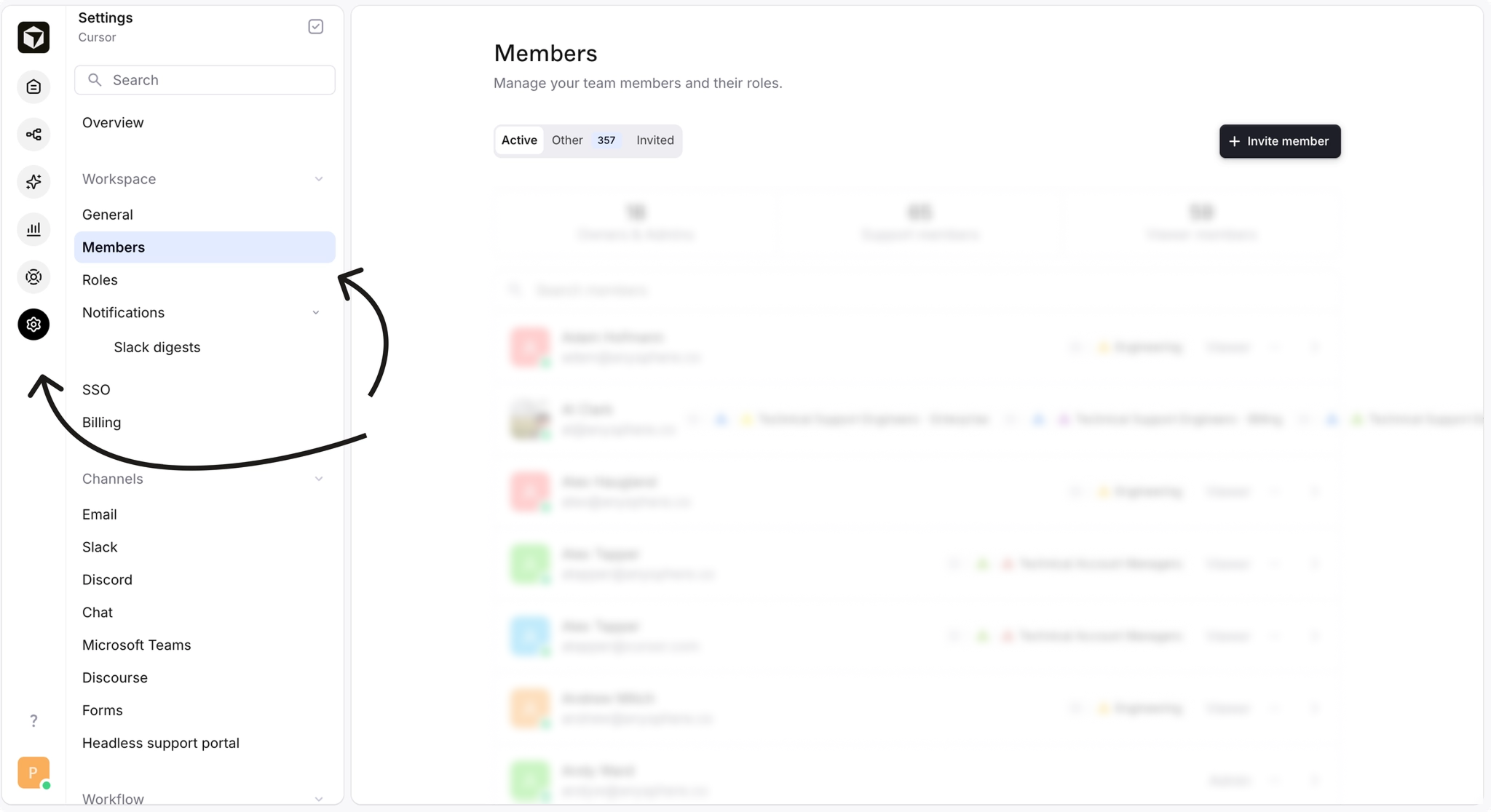
Navigate to "Settings" → "Members"
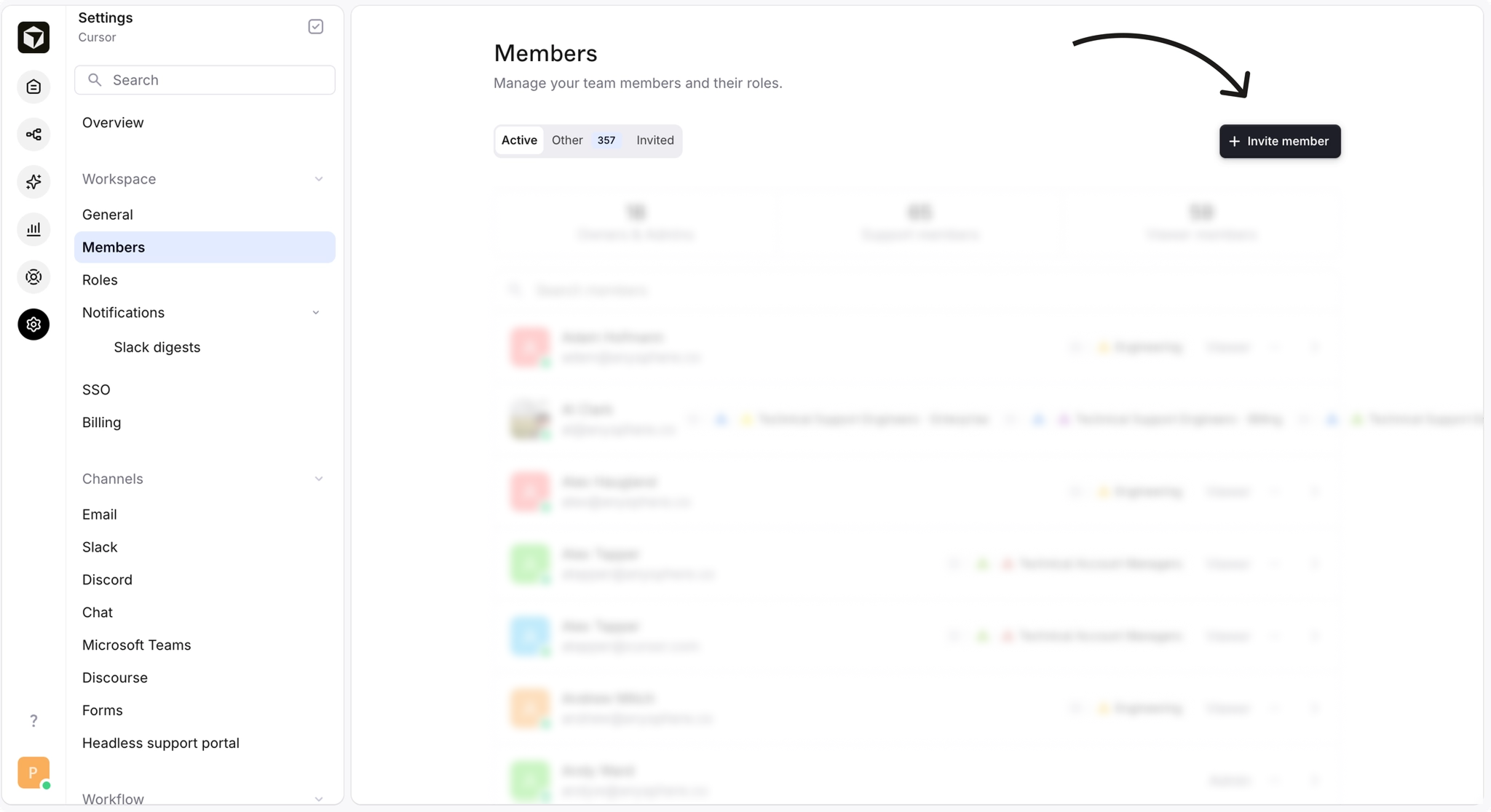
Click "Invite member"
Under "Email", enter
[company]@parahelp.comSet the role to "Admin" — this permission allows Parahelp to connect to the Machine user.
Click "Send invite."
These permissions allow Parahelp to set up a Machine user and enable the AI agent to transfer tickets to team members.
For a general overview of how AI agents work in Plain (machine users, webhooks, agent status), see Using your own agent.